Minerva

Role
Sole UI/UX Designer
Scope
Mobile, Desktop Web App, Conversational AI UX
Duration
July 2025 – October 2025
Overview
IntelliMind is an intelligent learning ecosystem designed to help students master complex subjects through automated flashcards, image occlusion, and an adaptive AI study assistant. Joining Minerva Next as the sole UI/UX designer alongside a four-person engineering team, I expanded the platform from a mobile-first prototype into a fully responsive desktop experience, built a scalable design system, and designed the core conversational interface ("AI Tutor").
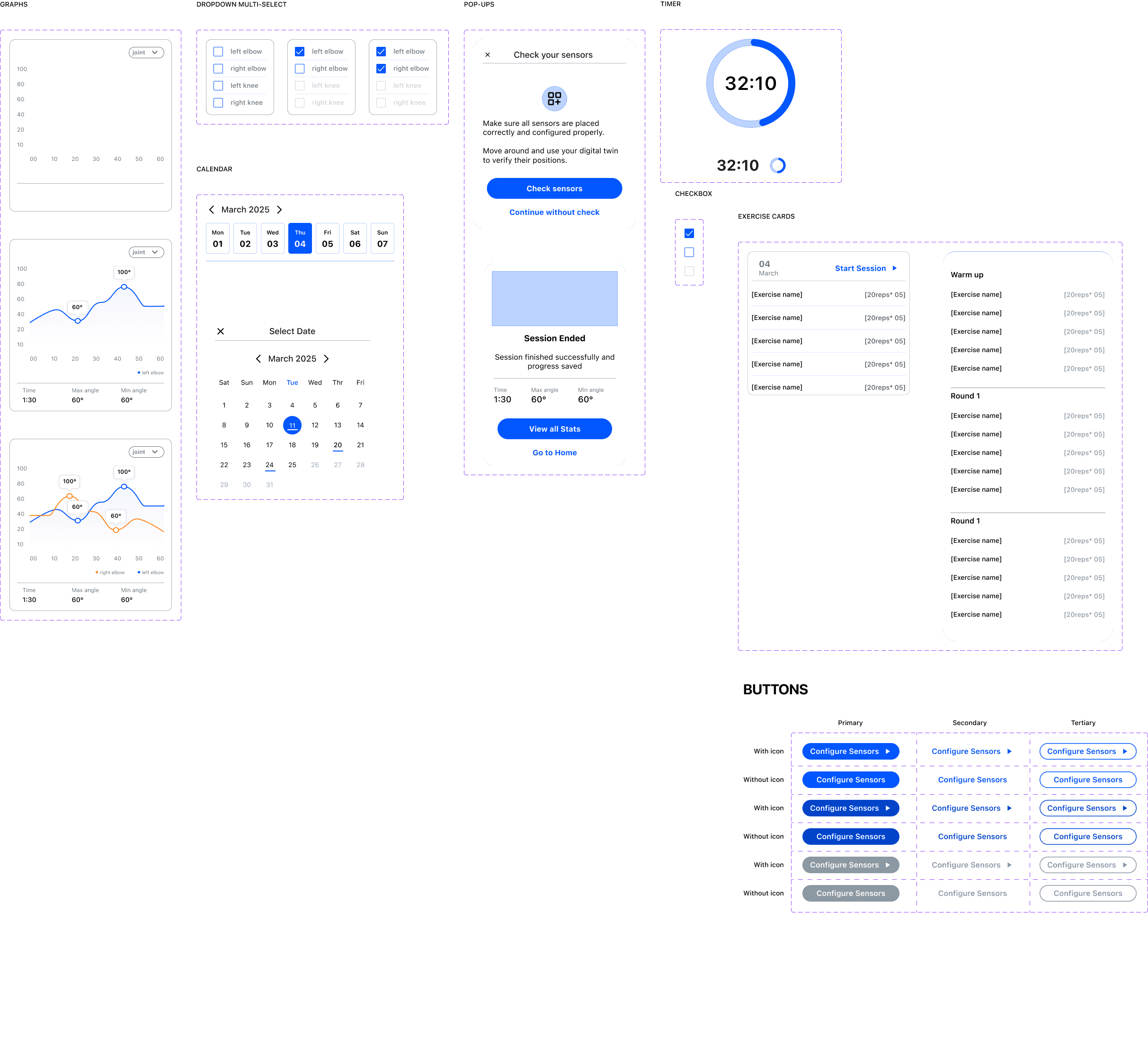
The Challenge
Joining an existing codebase with pre-rendered mobile screens presented a unique set of constraints that required strategic, systematic design execution:
1.
Missing System Architecture
Core settings, subscription flows, and desktop layouts were entirely unbuilt, with no centralized design system to ensure visual consistency.
2.
Complex Conversational UX for AI
Designing the "AI Tutor" required translating traditional test, practice, and study planner features into a fluid, prompt-driven chatbot interface.
3.
Evolving Backend Constraints
Defining unique AI "Study Modes" required close collaboration with developers to balance user-facing clarity with backend prompt engineering.
The Design Direction
We aimed to establish a scalable multi-platform design foundation, optimize conversion copy for premium subscriptions, and craft an intuitive AI chatbot interface with guided, action-based response loops.
The Solution: Core Features
SOLUTION 1
Conversational AI Tutor & Custom "Study Modes"
Custom chart frameworks transform dense medical metrics into readable, actionable insights.

SOLUTION 2
Responsive Desktop & Multi-Pane Architecture
Adaptable UI patterns accommodated shifting backend capabilities without breaking the user experience.

SOLUTION 2
Clear, value-driven microcopy turns complex account settings and pricing tiers into confident user decisions.
Adaptable UI patterns accommodated shifting backend capabilities without breaking the user experience.
System Architecture & Handoff
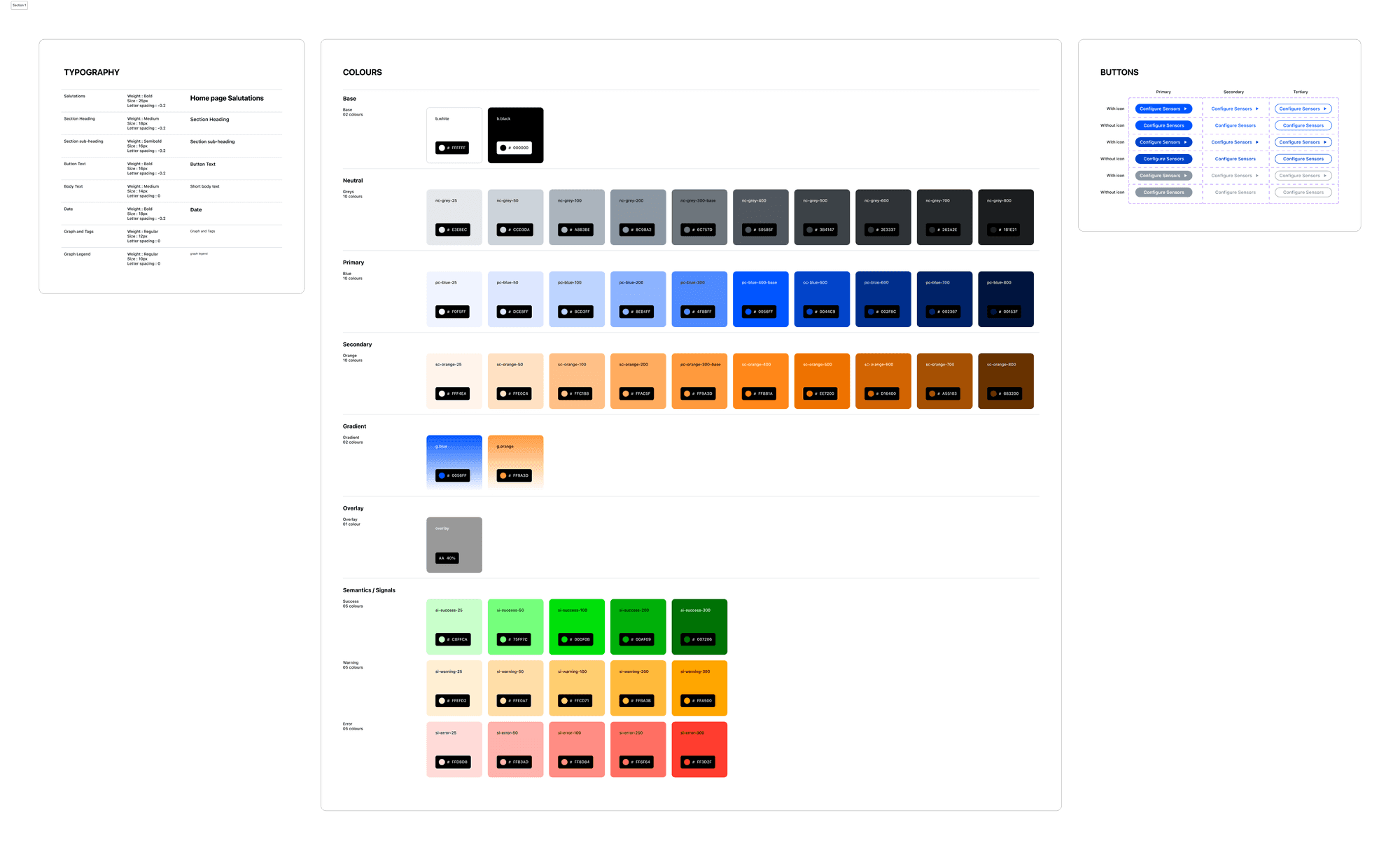
To ensure long-term scalability across future roadmap items (such as upcoming gamification and leaderboards), I retrofitted existing screens into a unified, component-driven design system. I tokenized typography, iconography, and multi-state variants across both light and dark modes, giving the engineering team a clean, reusable component library that streamlined sprint handoffs.
The Impact
Establishing a cohesive design framework accelerated development and set the stage for platform growth.
Multi-Platform Readiness: Successfully scaled a mobile-only prototype into a responsive desktop web application ahead of critical deployment deadlines.
Reduced Friction in AI Learning: Action-based prompts and distinct study modes eliminated dead-ends in chatbot interactions, keeping students engaged in active recall.
Learning Outcomes
Effective AI design requires balancing open-ended conversational freedom with guided UI guardrails.
Don't rely solely on a blank text box; use suggested prompt chips, action buttons, and clear mode selectors to guide users toward valuable outcomes.
When joining a project mid-flight, retrofitting existing screens into a structured component library pays off immediately when scaling to new platforms like desktop.